Snap Shot Studio
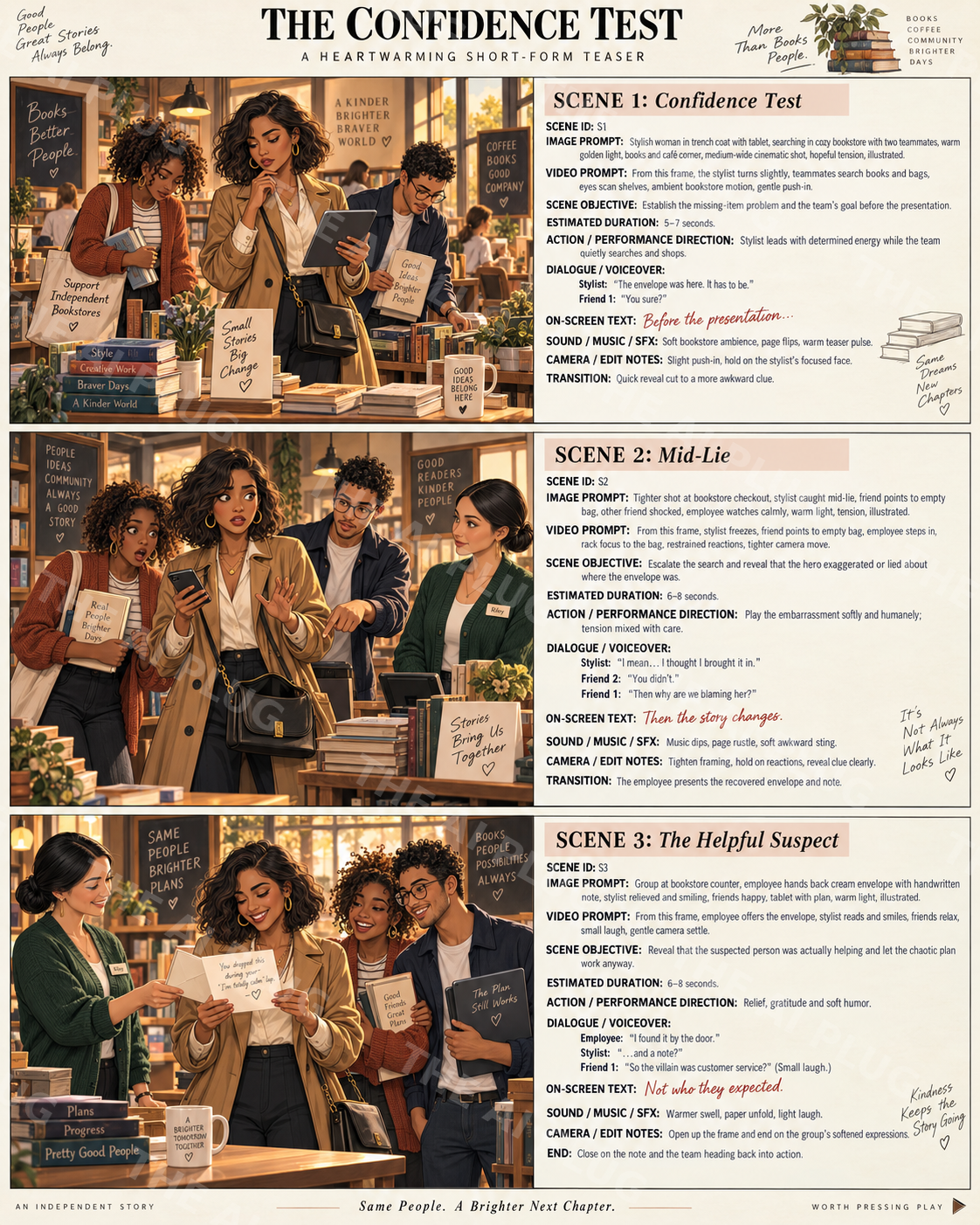
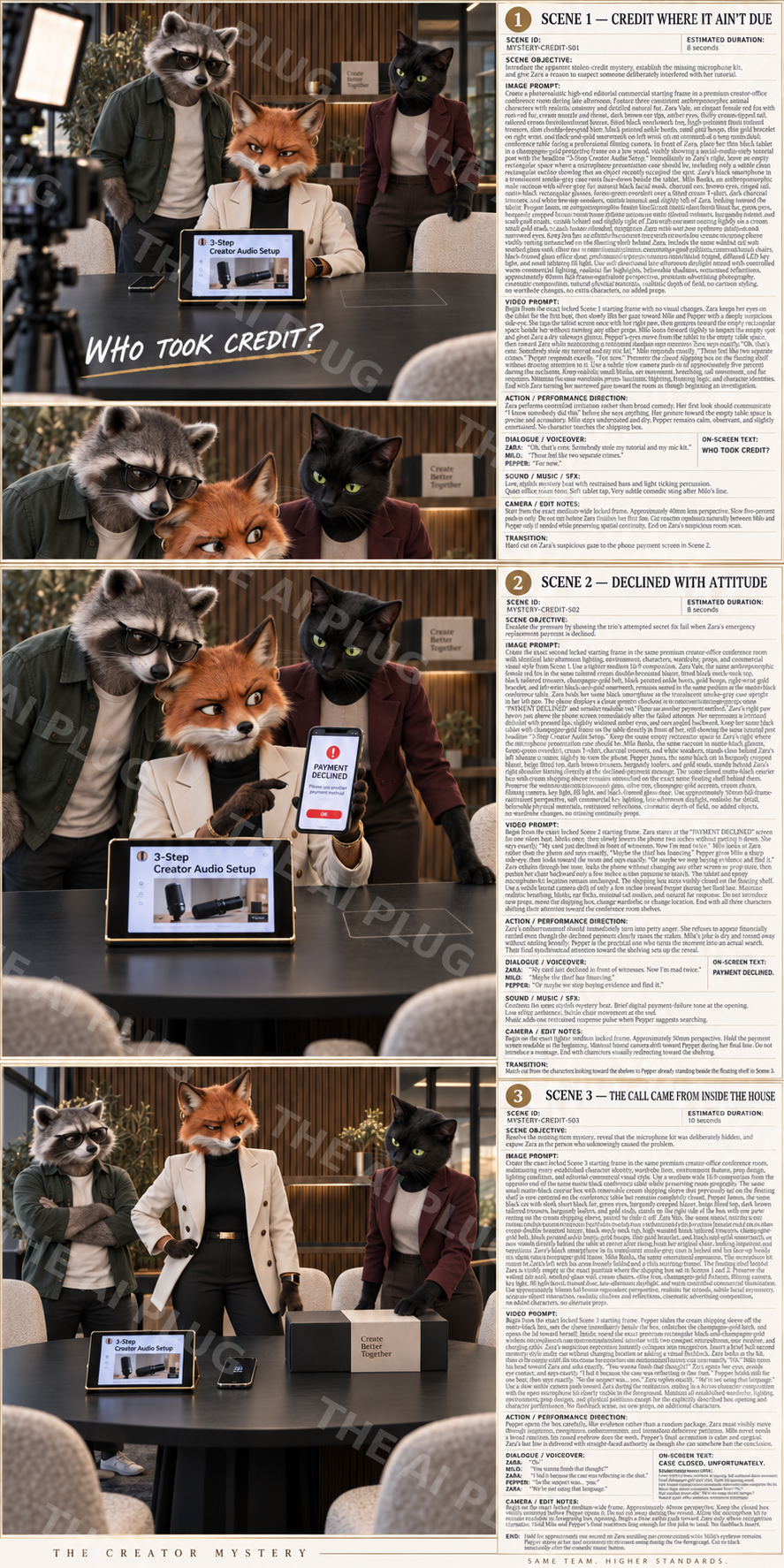
Pick a genre — Comedy, Mystery, Drama, Suspense and more — then choose your character type (real people, animals, fruit & food characters, chibi, mixed cast, or fully custom), your visual style, video format, tone, dialogue flavor, and camera energy. Snap Shot Studio builds a complete, cross-consistent production pack for all three scenes: image prompt, video prompt, dialogue, on-screen text, sound notes, and camera notes — plus one finished storyboard image to see it all at a glance.
- Locked, cross-consistent 3-scene stories — same cast and world from scene to scene
- Any genre: Comedy, Mystery, Drama, Suspense and more
- Full production pack per scene — image prompt, video prompt, dialogue, on-screen text, sound & camera notes
- Choose your cast — real people, animals, fruit/food characters, chibi, mixed, or custom
- One finished storyboard image included with every generation
- Works with any AI image or video tool — no prompt-writing experience needed
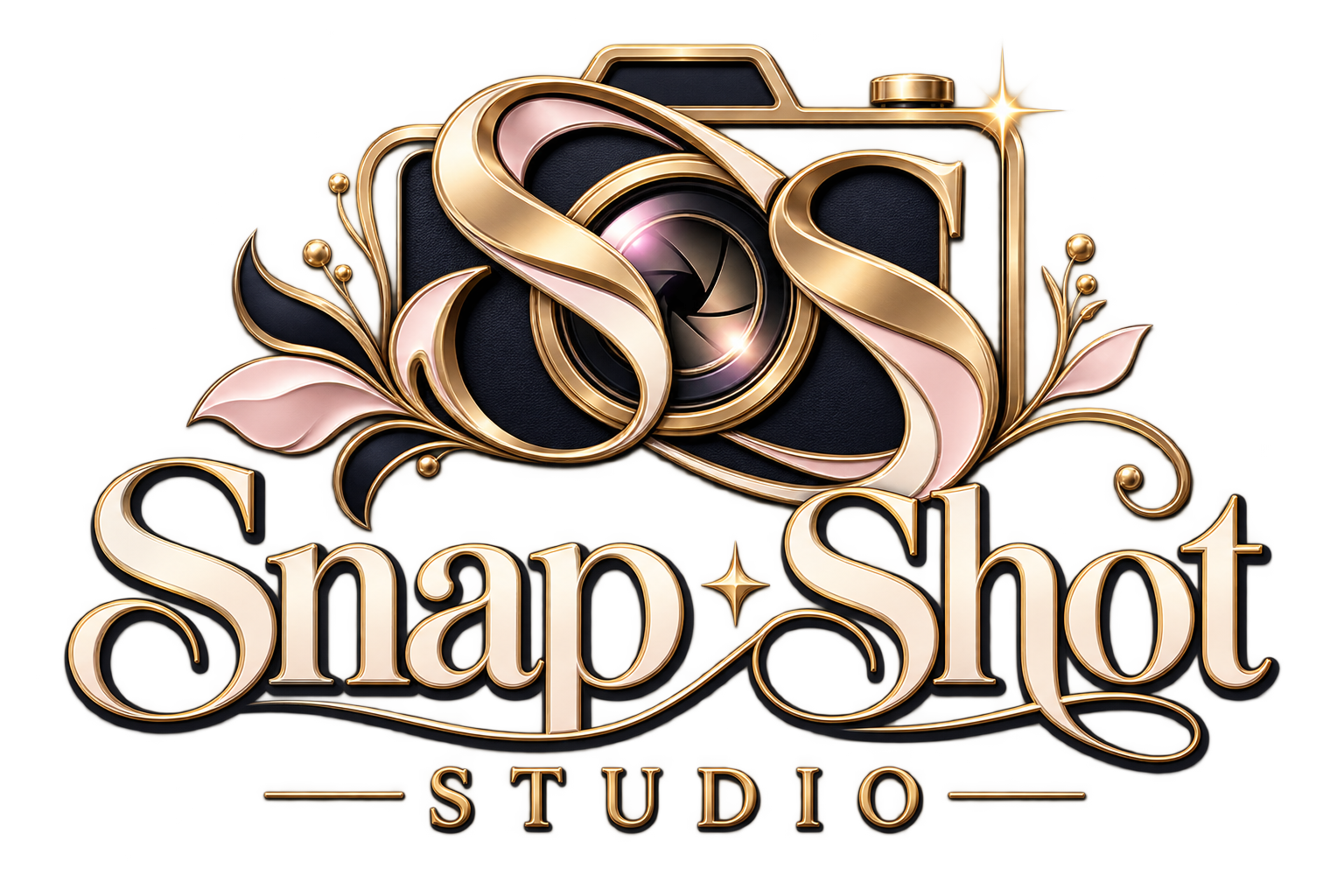
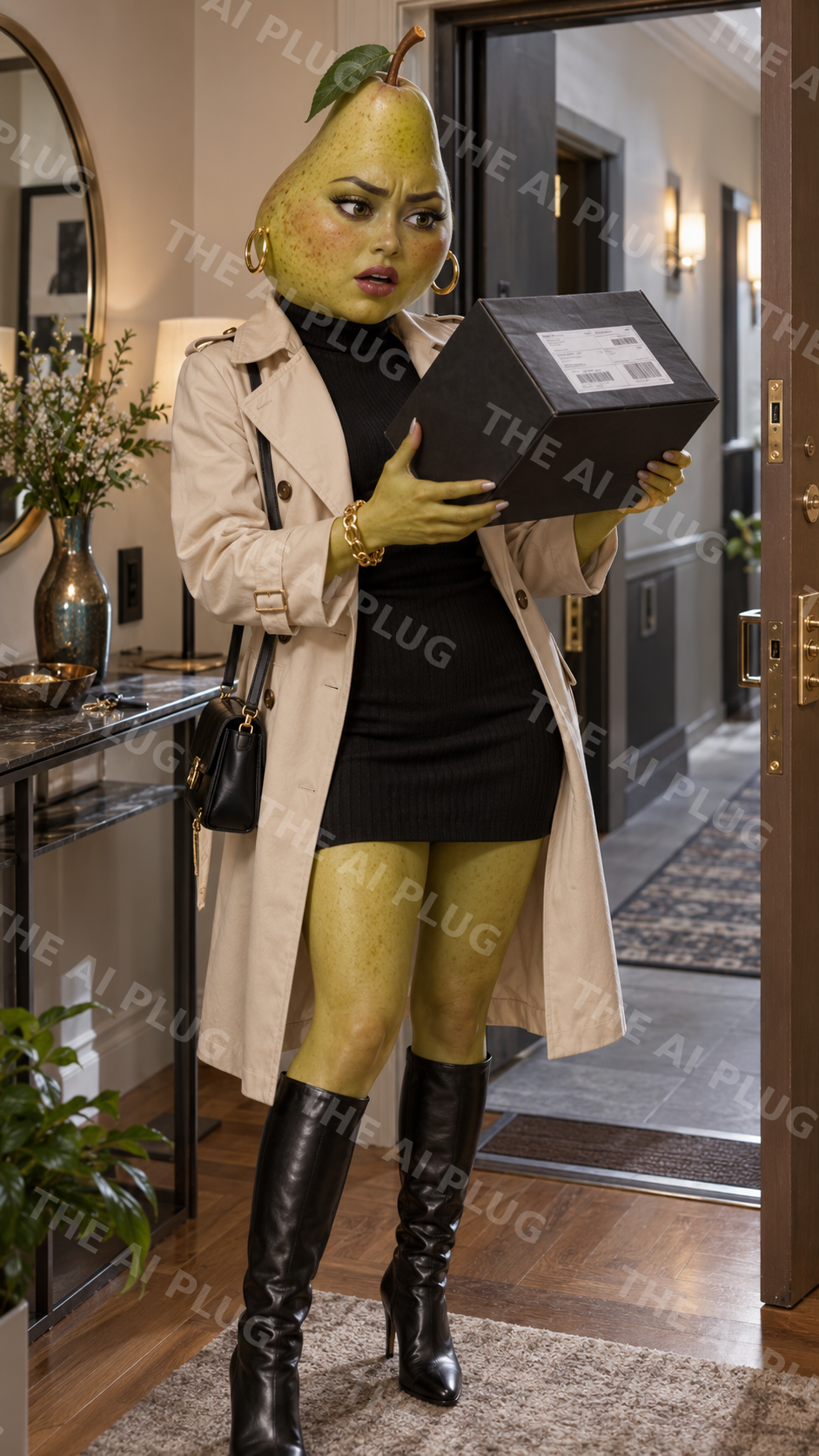
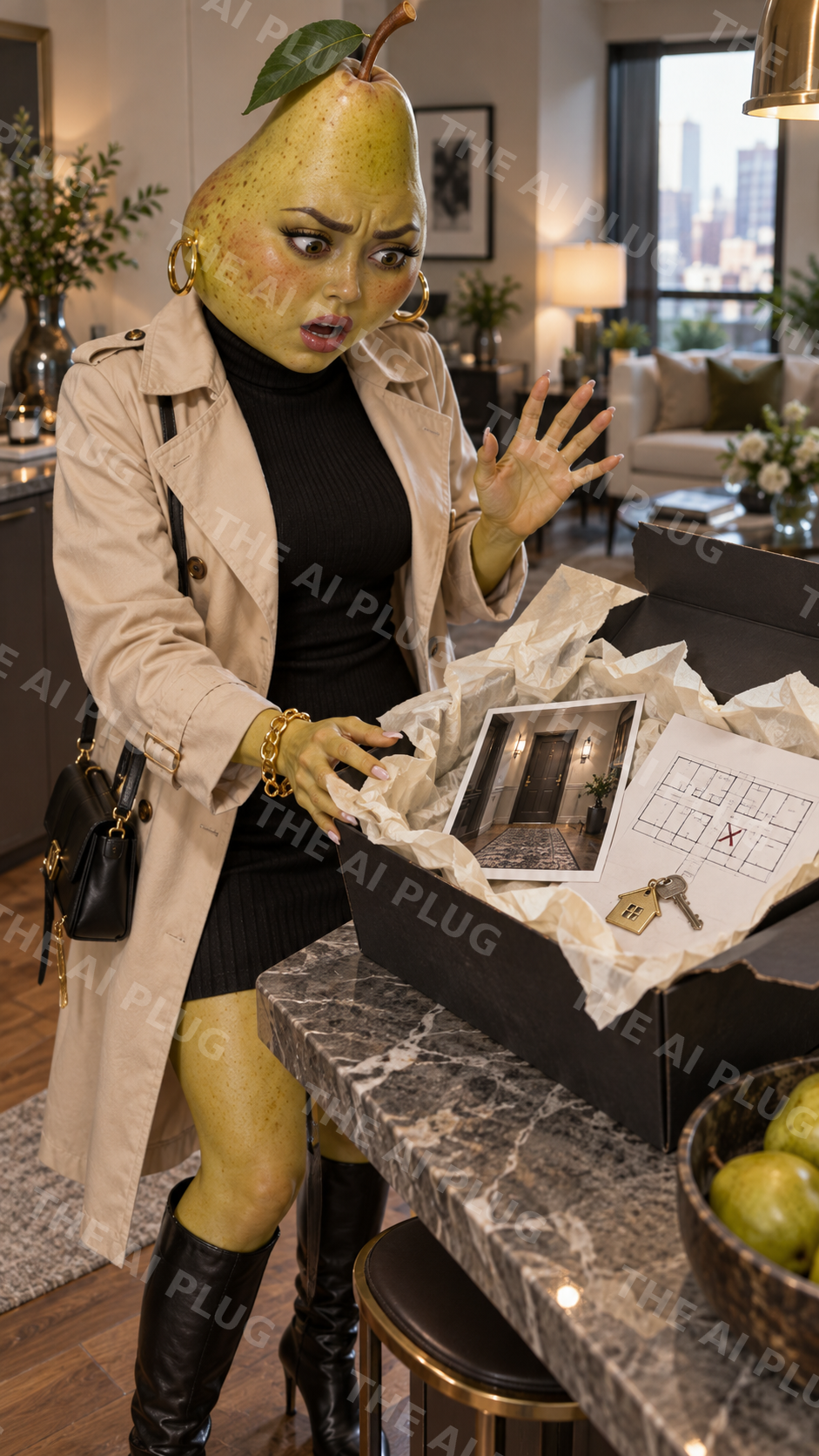
Four steps to a finished story.
Pick Your Genre & Cast
Choose the genre — Comedy, Mystery, Drama, Suspense — and your character type: real people, animals, fruit & food characters, chibi, mixed cast, or fully custom.
Set the Style & Tone
Dial in the visual style, video format, dialogue flavor, and camera energy so all three scenes feel like one continuous world.
Generate the Production Pack
Get a full pack for each of the three scenes — image prompt, video prompt, dialogue, on-screen text, sound notes, and camera notes.
Bring It to Life
Drop the prompts into any AI image or video tool. One finished storyboard image comes with every generation, so you can see the whole story at a glance.
Built for creators who want a story, not just a single scene.
- Anyone who's built an AI character and wants to put them into an actual story
- Faceless and AI creators who want short-form content with a beginning, middle, and end
- Anyone who's tried prompting a multi-scene story and had the character or world change between shots
- Creators who want genre-flexible content — comedy one day, mystery the next
- Beginners who want a finished production pack without writing prompts from scratch
- Anyone building a recurring cast or series they want to keep consistent
CineVerse Studio
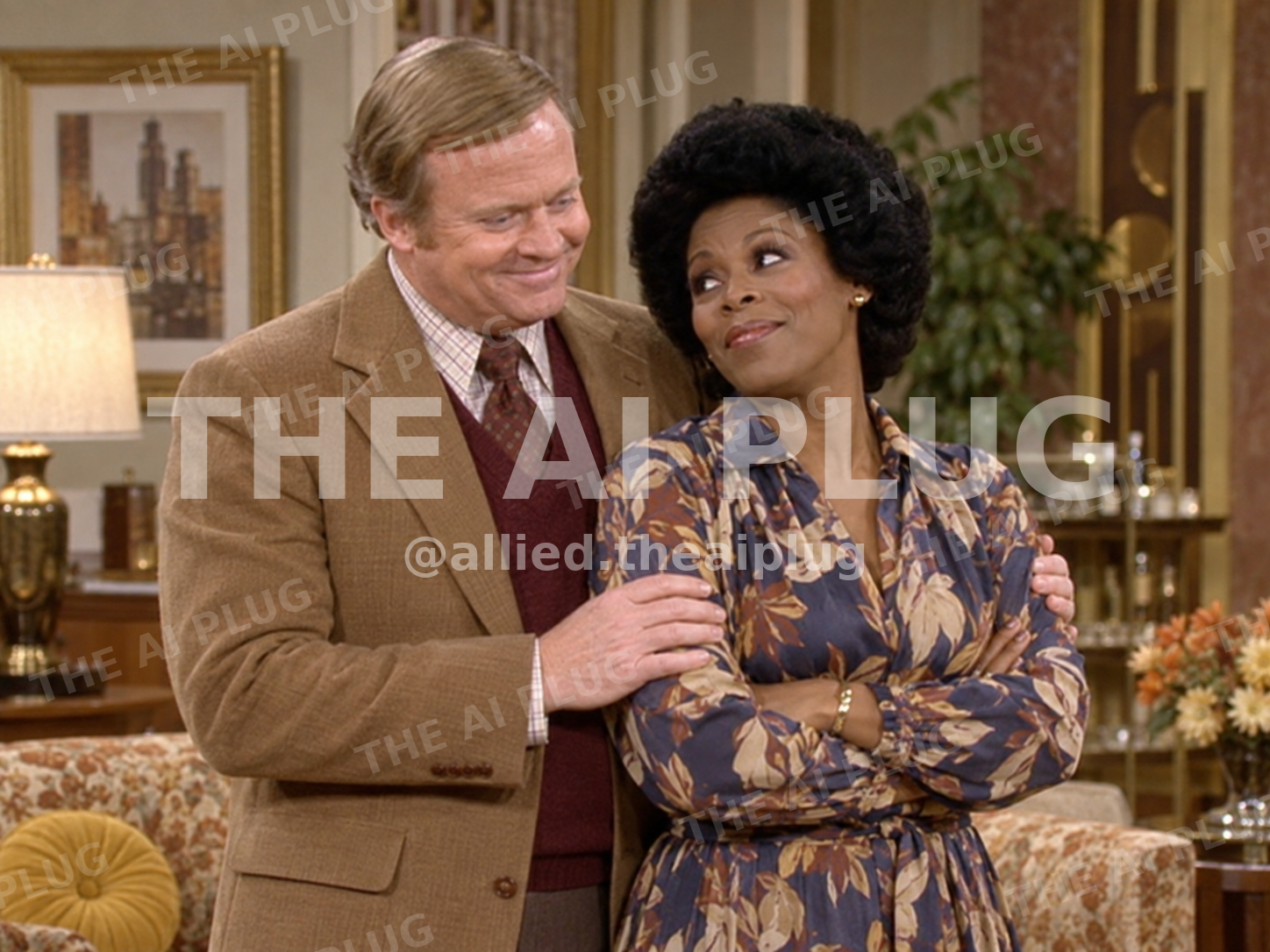
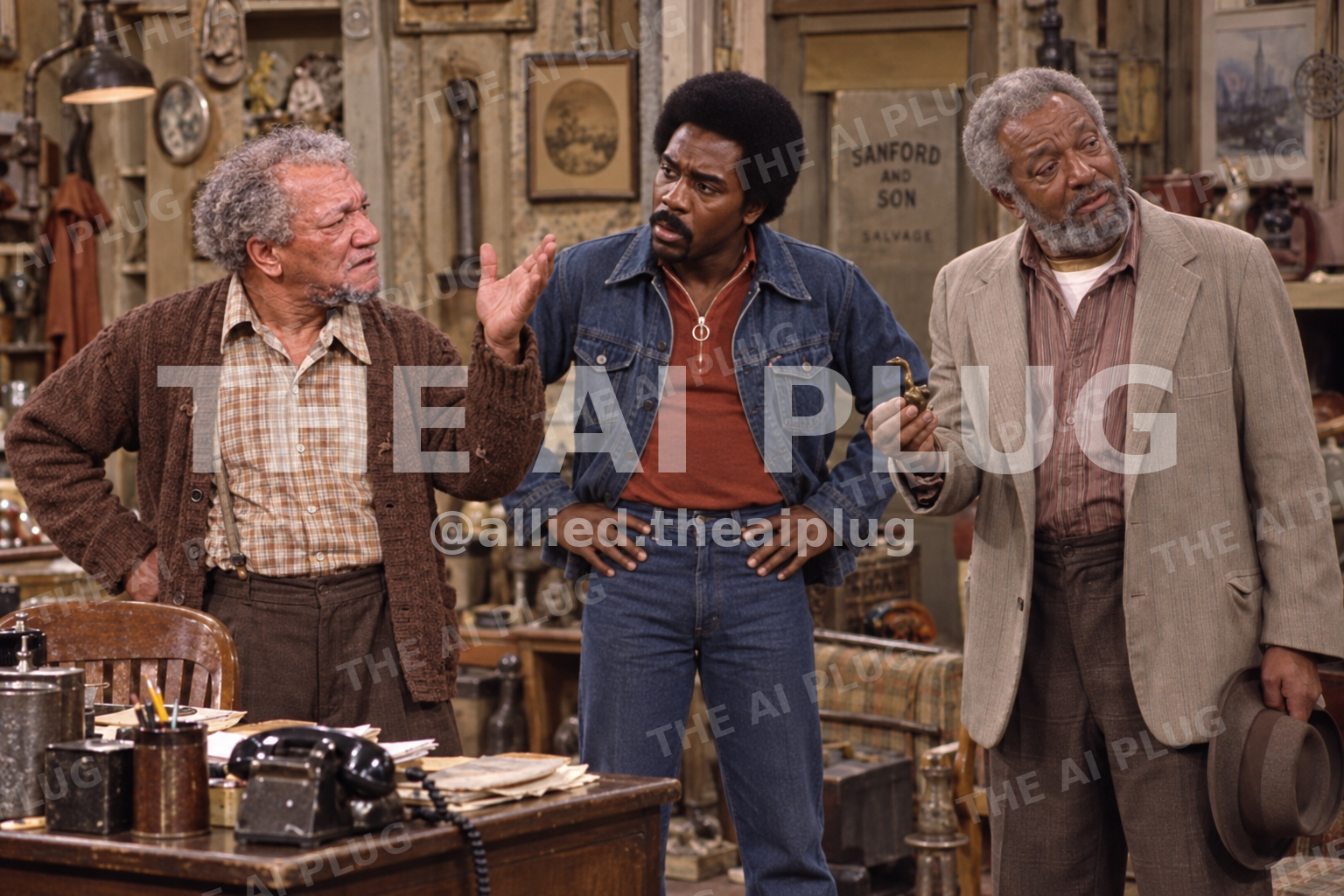
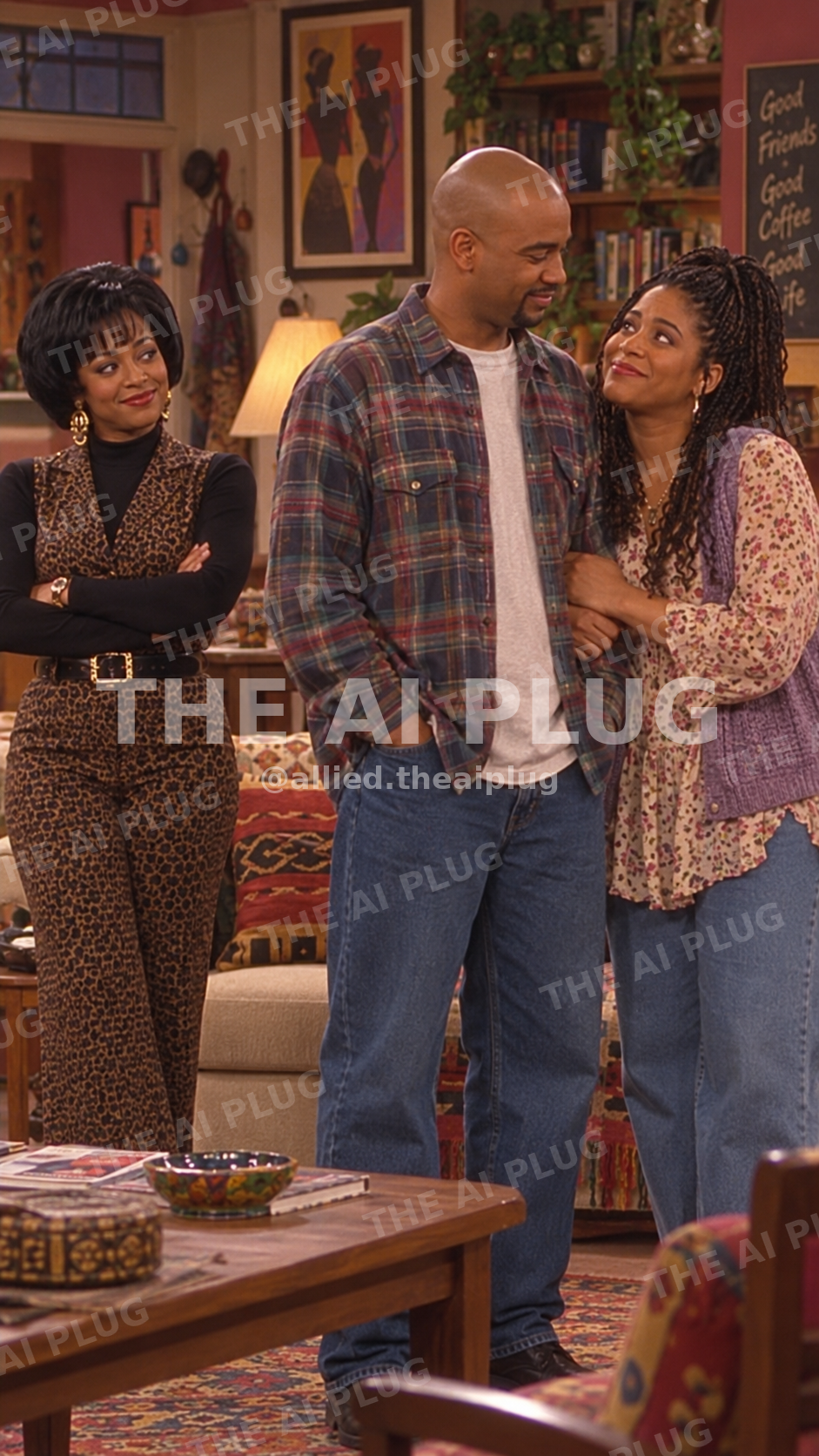
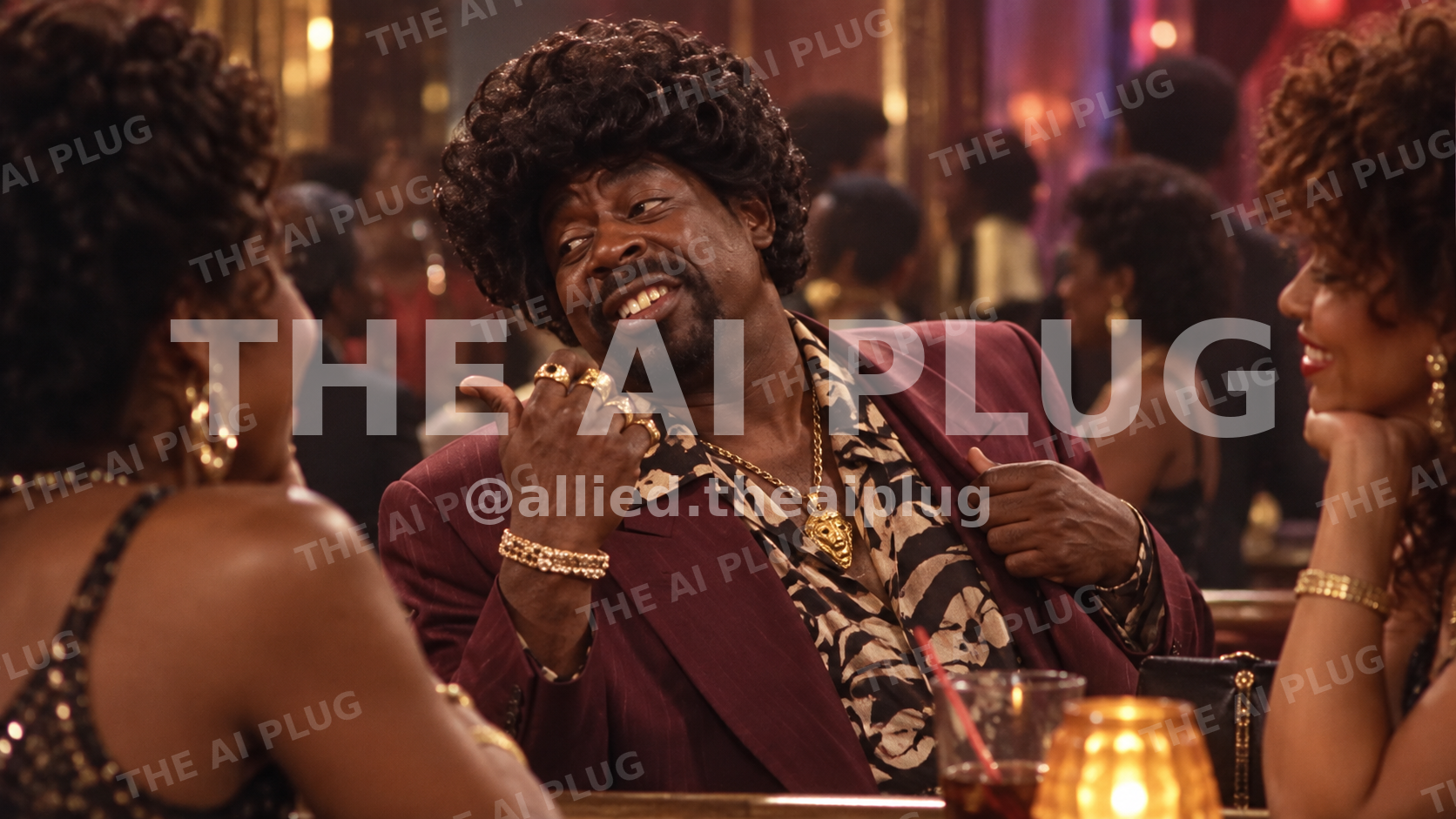
Turn your favorite movies and TV shows into brand-new AI scenes, remixes, and cinematic "what if?" moments. CineVerse V2 helps you choose the characters, era, setting, visual style, and creative direction — then builds the detailed prompts for you, so you can spend less time figuring out what to type and more time creating.
- Recreate iconic TV & movie worlds
- Remix characters into completely different shows and settings
- Generate detailed, era-aware AI image and video prompts
- Explore cinematic, animated, retro, realistic, and stylized looks
- Built for creators who want nostalgia, storytelling, and wild crossover ideas without the prompt-engineering headache